AI traffic in Matomo: sources, landing pages and goals
AI traffic in Matomo shows visits from AI assistants. Compare sources and goals, and review direct chatbot content requests separately.
Content checked on 08.11.2026
At a glance
The AI Assistants report shows visits from recognised AI recommendations. Direct access by agents and chatbots is analysed in separate reports.
In this article
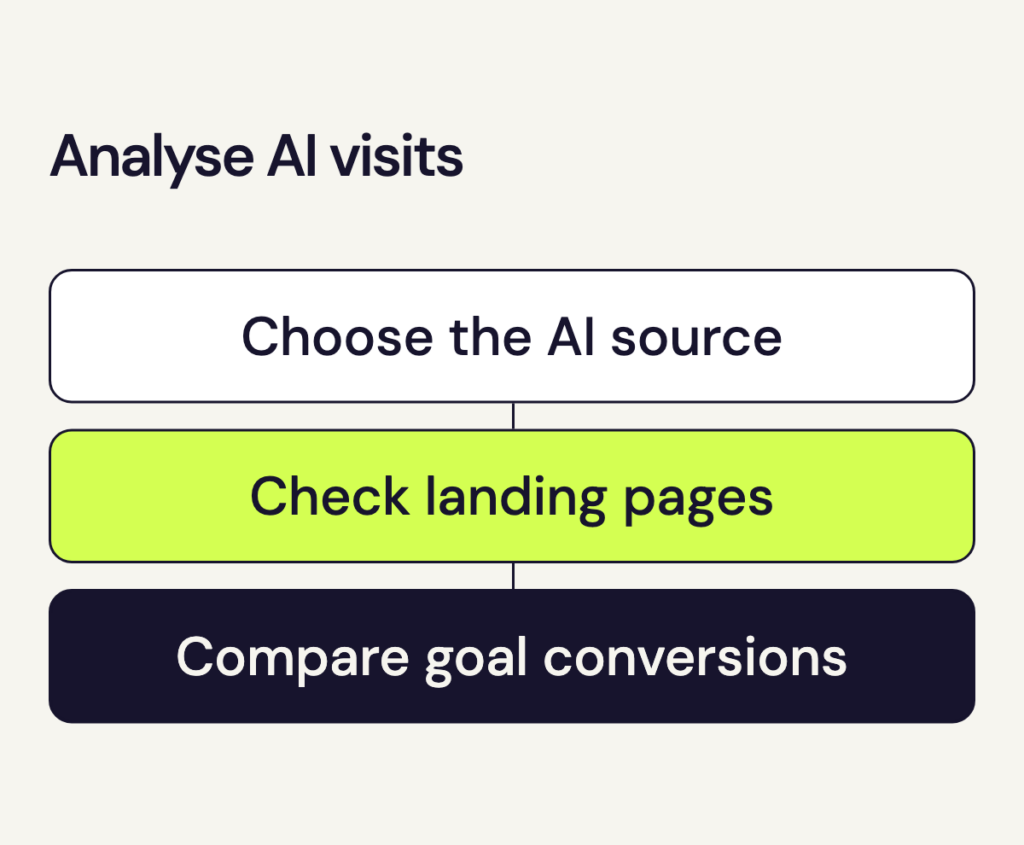
To analyse AI traffic, distinguish the type of access. A click in an AI answer can start a visit; a chatbot content request belongs in a separate report.
Analyse referred AI traffic
- Select the website and date range. Open the website you want to analyse in Matomo and choose the period.
- Open AI Assistants. Go to Acquisition → AI Assistants. The report shows which recognised assistants Matomo attributes the visits to.
- Inspect the trend. Open a source’s row evolution chart to see whether it brings visits regularly or only on particular days.
- Check goal conversions. After you configure a contact-enquiry goal, Matomo shows how many of these visits led to a successful form submission. We can help you set up a new goal.
Other questions, such as which pages these visits start on, need a segment for channel type ai. Select it before opening entry-page or other visitor reports. If that segment is missing, we can configure it on request.
Compare channels and periods
Under Acquisition → All Channels, you can compare AI recommendations with other traffic sources. Use the same date range and goal definition for a channel comparison. When comparing periods, choose equal lengths and account for factors such as an active campaign.
Read goal conversion totals alongside visit totals. With few visits, a single enquiry can substantially change the conversion rate. A contact goal needs to record the successful form submission.
Interpret automated access
Matomo also distinguishes agents that operate websites autonomously from chatbots that retrieve content directly from the server. The AI Agents Overview report compares recognised agent visits with human visits. The AI Chatbots reports count individual server-side requests. Treat these requests as a separate measure alongside visit totals.
Contact us for these additional reports. Chatbot reports in particular need separate server-side tracking. Use them to identify which supported chatbots requested your content and which pages they retrieved.
Once your integration starts reporting chatbot requests, check AI Chatbots Content Requests → Broken Pages and Documents for failed requests. If a URL repeatedly returns a 404, check for a moved page or an incorrect link, then correct the link or redirect.