Why Matomo and GA4 show different numbers
Compare Matomo and GA4 for the same website. Check page views, session rules, consent and filters before drawing conclusions from a difference.
Content checked on 08.11.2026
At a glance
Compare page views for the same website and date range first. Then check collection and settings in both tools before treating a difference as a tracking fault.
In this article
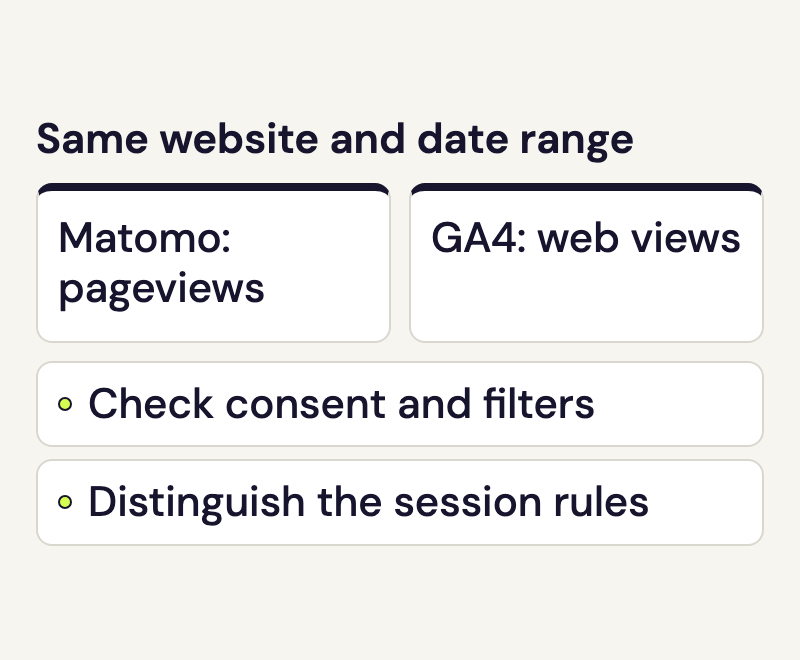
Matomo and GA4 can show different numbers for the same website. Start with one clearly named metric and the same date range. You can then investigate whether the difference comes from collection, settings or how the report is calculated.
Compare page views in Matomo and GA4
For an initial check, compare Matomo page views with GA4 Views for the same web data stream, the one collecting activity for that website. A GA4 property can also contain app data; those screen views do not belong in this website comparison.
The total GA4 event count includes additional events such as session_start and user_engagement. It therefore measures something different from Matomo page views or visits. For user counts, record the exact metric name too: GA4 distinguishes, among others, Active users and Total users.
Even page views need a configuration check. When Matomo records an internal search results page as a site search, that request does not count as an ordinary page view. GA4 can record a page_view plus a separate view_search_results event. The Matomo tracking API and GA4 enhanced measurement documentation describe this behaviour.
Understand visits and sessions in Matomo and GA4
Matomo and GA4 use a 30-minute inactivity timeout by default. Matomo’s standard rules also start a new visit at midnight or when a visitor arrives from a new campaign. GA4 does not restart a session for those two reasons. GA4’s Sessions metric estimates the number of distinct session IDs. Use that metric when comparing with visits.
If someone remains active on your website across midnight, Matomo can therefore split that activity into two visits while GA4 continues the same session. Check the timeouts and time zones actually configured for your site as well. The Matomo visit definition and Google’s current session rules explain these differences.
Consent and visitor recognition affect the data
Establish when each implementation is allowed to send data. Basic Google consent mode blocks Google tags until consent is granted. Advanced mode can send cookieless pings while consent is denied. The tags and consent banner configuration determine which approach your website uses.
Check whether your Matomo implementation also requires tracking consent. Tracking without analytics cookies can still record page views, but it changes browser recognition and therefore affects metrics such as returning visitors. “No cookies” and “no data is sent” describe different settings.
Compare exclusions and tracking coverage
Ask your website maintainer to check that both services are installed on the same pages and routes. Overlapping implementations through a plugin and a tag manager can send a page view twice. If a difference appears suddenly, compare the setup before and after the most recent website release.
Internal IP addresses, tests and privacy choices may be excluded differently. speo Connect, for example, does not track logged-in WordPress administrators. In GA4, check whether an internal-traffic filter is being tested or is already active. GA4 automatically excludes known bots; no additional switch is needed to enable that exclusion.
Inspect the processing of the specific report
For eligible properties, GA4 can model missing user and session data. This depends on factors including consent mode and the chosen reporting identity. It does not mean every event count or export contains modelled data.
Open the data quality indicator for the affected GA4 report. It provides information about modelling or limits applied to the displayed data, such as sampling. Also check the update time of the Matomo report and the report loaded in the speo portal. The current day is a poor starting point for comparing complete totals.
Narrow down differences between Matomo and GA4
- Choose a completed date range shared by both tools. Record the time zones, Matomo website name and GA4 web data stream.
- Compare page views first. Record the exact report and any active segments or comparisons.
- With your website maintainer, check the same pages before and after the required consent. Note missing or duplicate tags and active exclusion rules.
- Record the update time and GA4 data quality notices. Then compare sessions, users or an individual goal using their respective definitions.
If you compare goals or conversions by campaign, also check campaign parameters and the attribution model used for conversions. The Google Ads with Matomo guide explains campaign setup.
Sources
- How is a Visit defined in Matomo?
- Matomo basics under30minutes
- About Analytics sessions
- Comparing metrics: current Google Analytics column
- Enhanced measurement events
- Automatically collected events
- Set up consent mode
- Cookieless tracking and report accuracy
- Filter out internal traffic
- Known bot-traffic exclusion
- Behavioral modeling for consent mode
- Data quality indicator
- Data freshness
- Get started with attribution
- Analytics for decision making: Is your data reliable enough to act on?
- Matomo Tracking HTTP API