Matomo dashboard: choose reports and arrange widgets
Build your Matomo dashboard around the reports you check regularly. Choose widgets and adjust their position and width to suit the data.
Content checked on 08.11.2026
At a glance
A dashboard brings existing reports together. You choose which ones appear and how much space they receive.
In this article
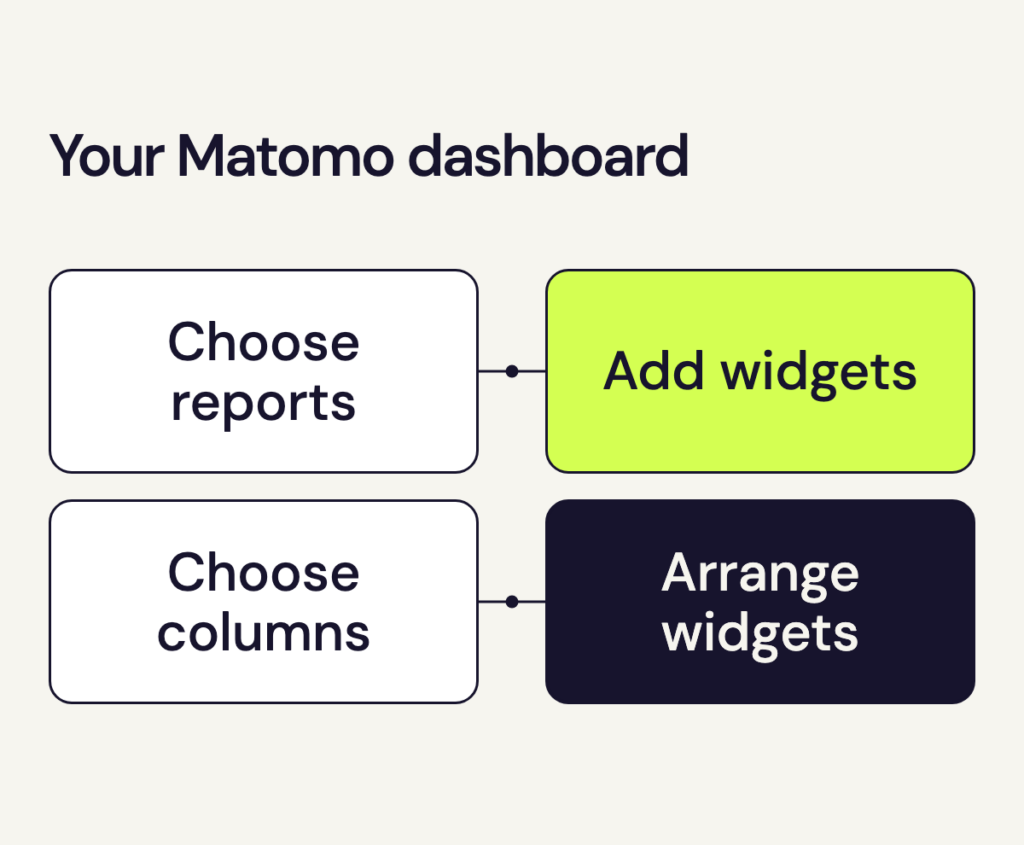
Your Matomo dashboard keeps a personal selection of reports. Start with the metrics you want to check in your next website review.
Create a Matomo dashboard
- Open the full analytics view from your speo customer portal.
- Select your website in Matomo, then open Dashboard in the navigation.
- Open Manage Dashboard at the top, then choose Create new dashboard.
- Give it a name that tells you what it is for, such as “Monthly website review”.
- Choose an empty dashboard to build your own report selection, or the default dashboard as a starting point. Confirm with OK.
Add reports
Open the management menu again and choose Add widget to this dashboard. A widget is a report tile, such as a chart or table. Select the reports you need from the list.
For a regular review of your content, the page reports show which pages people viewed. Add a report on visit sources if you also want to see which channels brought visitors to your website.
Change the layout
Drag tiles by their headings to move them. Use Change dashboard layout in the management menu to choose the column layout. A table with long page titles needs more width than a single metric.
The menu at the top right of a tile includes an option to remove it. Removing a tile takes it off the dashboard; the report and its data remain available in Matomo.
Use your Matomo dashboard
Choose the date range at the top before each review. The website and date range determine which data appears in the tiles. If the numbers look unexpectedly low, also check whether a segment is selected: the view may include only some visits.
Matomo saves the dashboard to your personal account. Other team members can configure their own views independently.