AI tracking in Matomo: referrals and chatbot requests
AI tracking in Matomo recognises visits from AI recommendations. Direct chatbot content requests need a separate server-side integration.
Content checked on 08.11.2026
At a glance
Your normal speo integration covers visits from AI recommendations. Direct chatbot requests need additional server-side tracking.
In this article
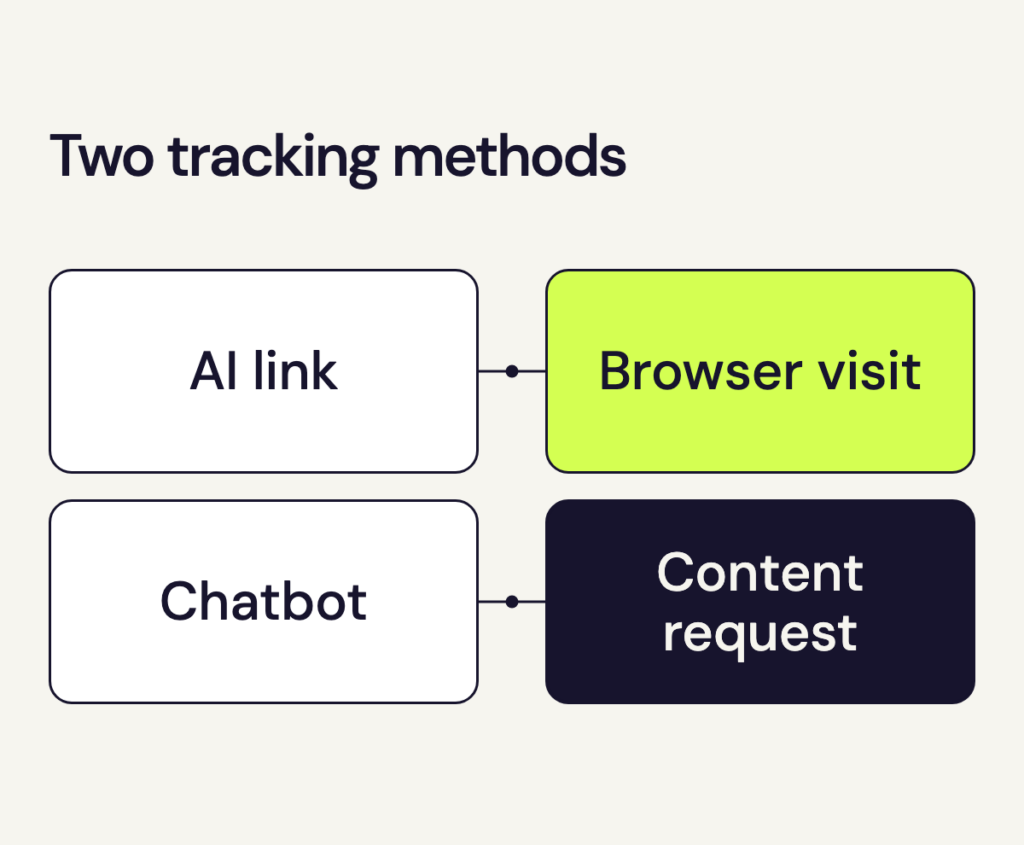
For AI tracking, first distinguish a person following a link from a chatbot retrieving content. The integration depends on what loads the page.
AI tracking for referred visits
If speo already records page views on your website, you do not need an extra tracking script for these visits. Matomo recognises supported AI assistants from the referral information sent by the browser.
- Connect your website. Use its tracking code or a suitable WordPress integration. If Matomo is already installed, update that integration with the speo connection details. Record each page view once.
- Check tracking. Use a separate browser profile that allows analytics. Give any required consent, then open a page on your website. Check the pages report for today. New data may take some time to appear while Matomo processes the reports.
- View AI referrals. Select your website and date range in Matomo. Open Acquisition → AI Assistants to see recognised AI referrals.
Attribution depends on the referral information the app or browser provides. When that information is missing, a visit from an AI recommendation may appear as a direct visit, for example.
AI tracking for direct chatbot requests
A chatbot retrieving a page for its answer usually does not run JavaScript. Your website’s tracking script cannot detect those requests. Instead, the website’s infrastructure must identify them and report them to Matomo.
Matomo supports integrations for WordPress and CDNs including Cloudflare and Amazon CloudFront. Other environments can use a custom server-side integration. The right location depends on which system handles the request: if a cache serves the page without running WordPress, a WordPress plugin cannot report that access. Use one integration to record each request.
Contact us to arrange this additional tracking. We review the appropriate integration with you. If you enable chatbot tracking, each request that speo accepts counts as one hit. Chatbot reports remain separate from visit reports.
What appears in chatbot reports
Matomo records recognised chatbots retrieving content in response to users’ requests. Crawlers used for search indexing or training AI models are outside the scope of these chatbot reports. Once tracking is configured, the reports show which supported chatbots requested your pages and documents.